Continuous Tracking
Track your heart rate continuously using Apple Watch's advanced sensors — during a run, a morning walk, a rehab session or any activity where knowing matters.
No noise. No distractions. Just consistent tracking while you move.
Real-Time Monitoring
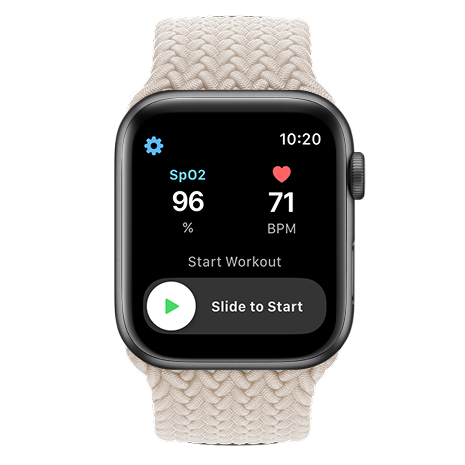
HeartOxy reads your live BPM continuously on your wrist throughout your session. No polling delay. No missed spikes. Just your real data, exactly when it matters.
Built For
Zone training, interval precision and session data you can share with your coach.
POTS, cardiac rehab, post-illness recovery — stay within your safe range, every session.
Seniors, stress monitoring, anyone who wants to know what their heart is doing — not guess.
Reading Interval
Choose how often HeartOxy reads your heart rate: every second for maximum precision, every 3–5s for balanced tracking or every 10–20s to conserve battery. Match the precision to the activity.
Zone Training
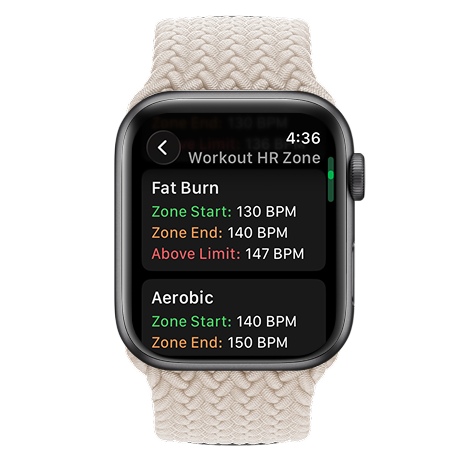
HeartOxy uses five scientifically defined zones calculated from your age or you set every boundary manually. Know exactly which zone you're in, every second of your workout.
Wrist Alerts
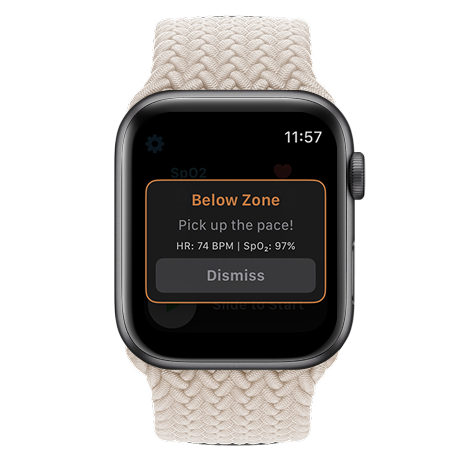
The moment your heart rate crosses a zone boundary, your Apple Watch taps your wrist. Recovery. Target. High. Peak. You feel the shift before you see it. No phone. No glancing at a screen. Just instant haptic feedback so you can act.
Post-Workout
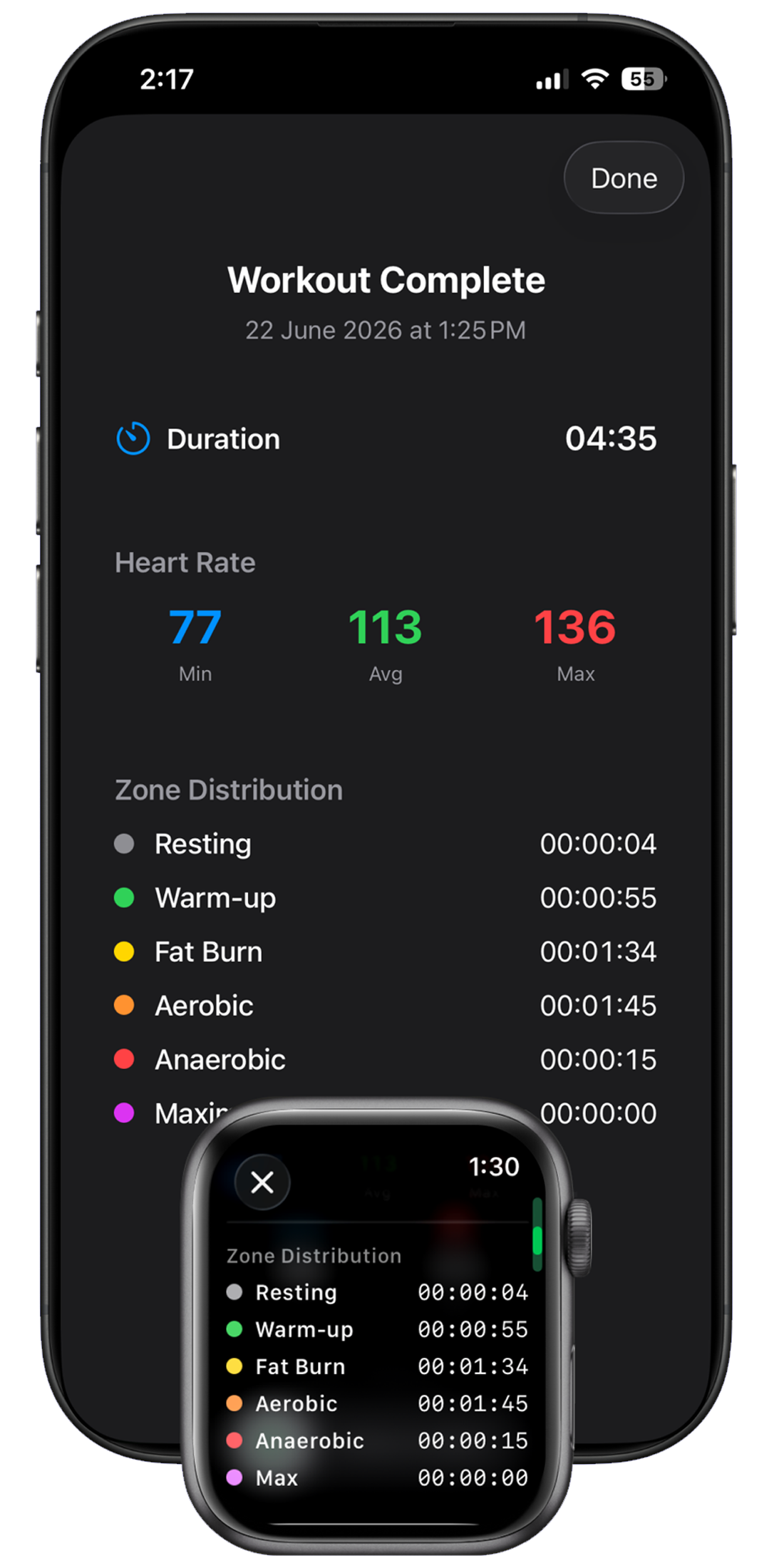
After every session, HeartOxy shows your minimum, average and max heart rate plus a full breakdown of time in each zone. Export everything as CSV to analyze trends or share with your coach.
Fine tune what "Recovery", "Low", "High", Peak", "Caution" or "Low" means for your body. Custom intensity sliders let you set exactly when you'll be alerted so alerts match your fitness level not a default.
Not noisy.
Not complicated.
Not incomplete.
Just continuous. Precise. Controlled.
HeartOxy gives you clarity in real time.
Support
Apple Watch periodically measures heart rate throughout the day and continuously during workouts. HeartOxy builds on this with customizable alerts and heart-rate zone tracking — and takes monitoring further by letting you set your own active reading interval directly on the watch app. Choose how frequently HeartOxy samples your heart rate: every 1, 3, 5, 10, 15 or 20 seconds, so you get the level of detail that suits your workout.
Apple Watch uses optical photoplethysmography (PPG) sensors to measure heart rate. Scientific studies comparing Apple Watch readings with ECG reference measurements have reported correlations of approximately 0.96 in general use and approaching 0.99 during exercise making it well-suited for zone training.
Heart rate zones represent ranges of exercise intensity calculated from your maximum heart rate. Training within specific zones helps improve endurance, cardiovascular fitness and training efficiency.
Heart rate zone training ensures workouts are performed at the correct intensity for your specific goals whether that's endurance building, fat burning or peak performance improvement.
No. HeartOxy is designed for wellness and fitness purposes only. It is not a medical device, not FDA-approved and not a substitute for professional medical advice. Consult a healthcare provider before starting any new exercise programme.
Yes. HeartOxy lets you export heart rate data as a CSV file, which can be shared with healthcare professionals for informational discussions.
SpO₂ measurements are taken automatically by Apple Watch and updated to HeartOxy.
To refresh or update the reading in HeartOxy, you can manually trigger a new measurement using the Blood Oxygen app on Apple Watch:
Alternatively, you can disable the feedback notification: Settings → Intensity Feedback → Advanced → Below Recovery, then turn off the Below Recovery feedback option.
** Apple Watch (Series 6 and later, Ultra) takes random measurements of blood oxygen (SpO₂) levels automatically during sleep. However, you can obtain a measurement by using the Blood Oxygen app. It takes 15 seconds of steady, flat-wristed holding to get a reading.
Important Limitations: SpO₂ features are currently disabled on new Apple Watches sold in the USA due to a patent lawsuit, though they remain active on devices sold elsewhere and older US models.
If your heart rate or SpO₂ readings remain outside zones such as Below Recovery (HR), Above Peak (HR), or Below Low (SpO₂), HeartOxy may trigger repeated intensity alerts every 10 seconds.
To reduce repeated notifications:
This will prevent repeated alerts every 10 seconds while readings remain outside the configured zones. Alerts will default to every 60 seconds instead.